Before approving barcodes for a 1688 order, check three things separately: the encoded data belongs to the right product, the symbol is printed and positioned correctly, and the evidence meets the receiving channel’s requirements. A successful phone or handheld scan is useful, but it is not a substitute for barcode print-quality verification.
This guide is for buyers ordering printed retail packaging or labels from Chinese suppliers. It starts after you have decided which identifiers and barcode types your sales channel requires. It does not assign GTINs, certify a product or guarantee acceptance by a retailer.
Separate data approval from print approval
Check the data before reviewing the print. If a supplier fixes a blurred label but keeps the wrong product number, the order still has a problem. Record approval of the data and the physical print separately.
| Check | What it establishes | What it does not establish |
|---|---|---|
| Data and product mapping | The intended identifier matches the approved product, variant or pack configuration. | Whether the printed symbol will be read reliably. |
| Ordinary scan | A particular device decoded that sample in that setup. | A formal print-quality grade or acceptance across other scanning environments. |
| Barcode verification | Measured results for the tested symbol under the applicable verification method and settings. | That every unit in a shipment matches the tested sample or that all buyer requirements are satisfied. |
If product identity is still unsettled, first complete your SKU, variant and order specification. Then review whether the printed barcode is ready for production.
1. Agree the acceptance requirement before printing
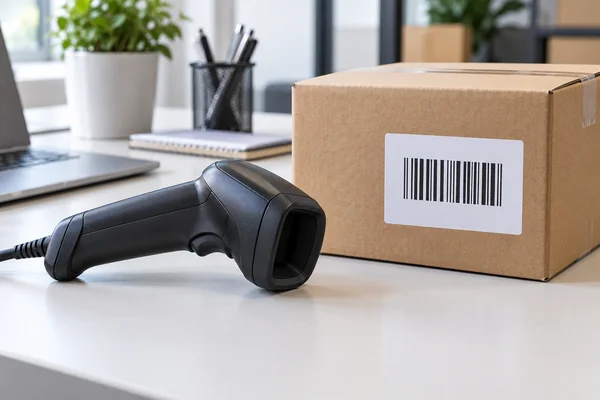
Ask the retailer, distributor or fulfillment channel which barcode type and application requirements apply. A code for a retail unit is not automatically suitable for an outer carton or a different scanning environment. Do not ask a supplier simply to “make it scannable.”
GS1’s guidance on measuring printed barcode quality explains that compatible verifiers measure quality parameters and that minimum requirements vary by application. Use the relevant requirement, not a grade copied from another buyer’s order.
Put the following in the packaging approval brief:
- The identifier, product mapping and approved barcode artwork revision.
- The symbol type, intended scanning application and receiving-channel instructions.
- The finished packaging material, coating and intended barcode location.
- The required checks, any formal verification requirement, and who supplies the evidence.
- The approval owner and the point at which printing may begin.
Have the supplier confirm what it can perform itself and what requires an outside service. Agree any extra work and cost before ordering it.
2. Review the artwork without damaging the symbol
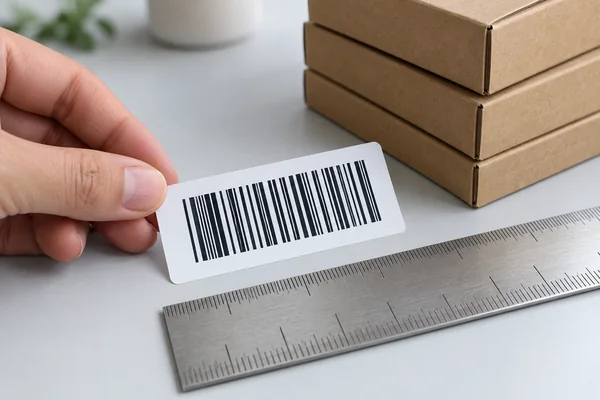
Check the encoded data against your approved product record, not only the digits printed below the bars. Confirm that the artwork has the correct proportions, sufficient clear space around the symbol and adequate contrast. Keep nearby graphics outside that clear space.
Do not stretch a barcode to fill a design box or shorten its bars to make room for marketing copy. GS1 US advises generating artwork at the required size rather than arbitrarily resizing it; its printing and placement guidance also discusses contrast, quiet zones and packaging surfaces. Exact dimensions depend on the symbol and application, so this is not a universal sizing chart.
For example, if a designer reduces the label after approval, the buyer should not treat the resulting file as the same approved artwork. Give it a new revision and review the affected barcode requirements again.
3. Approve a physical sample on the actual packaging
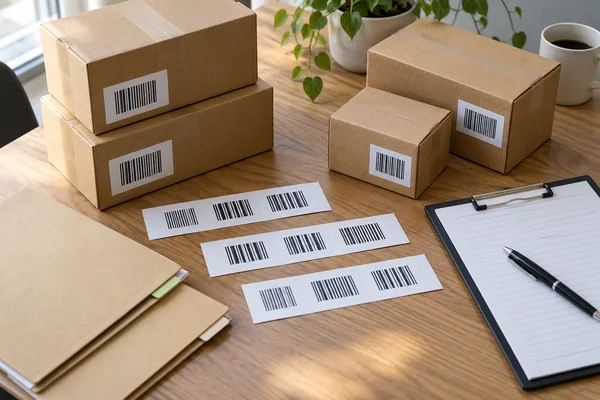
A screen proof cannot show what happens when ink spreads, a coating reflects light or a label wraps around a curved container. Ask for a printed sample using the proposed material and process, then examine it in its finished position.
Look for wrinkles, smudges, missing areas, nearby seams or folds, and an overwrap or label edge crossing the symbol. GS1’s barcode quality checklist identifies these kinds of print and packaging problems. A flat loose label may behave differently after application.
Give the supplier a placement reference
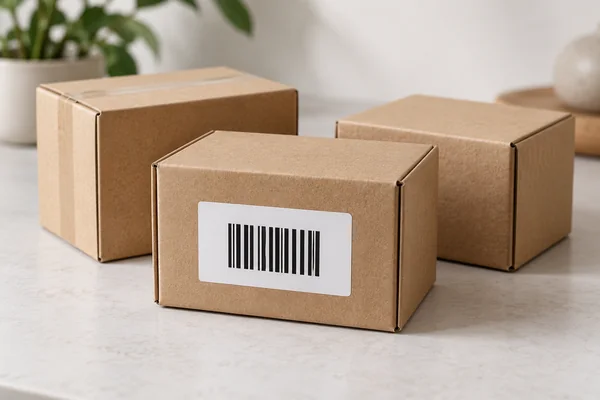
Use a marked packaging drawing and photographs of the physical sample to show the approved position. Identify the face of the package, orientation and nearby features. “On the back” is not enough if a fold, curved edge or sealing area occupies part of that surface.
Store the marked drawing and sample photographs in your sample approval record. Record the sample identifier and artwork revision, so a later photograph can be compared with a known reference rather than someone’s memory.
4. Ask for evidence that matches the sample being approved
A scan video can show a practical check. If the agreed requirement calls for formal verification, ask for the corresponding report as well. Do not describe an ordinary scan video as a verification report.
The report should be traceable to the tested symbol, packaging revision and physical sample. Ask the provider to state the method and relevant settings, the result and date. Where a report is unclear, have the provider explain it before accepting it; a screenshot showing only “pass” leaves too much unresolved.
GS1 publishes verification-process guidance covering barcode quality and encoded-data integrity. Match the evidence to your agreed application and actual sample before signing off.
Do not extend a sample result to every unit
A satisfactory sample does not prove consistency throughout a print run. Agree how production will be checked, which lots or packaging versions the checks cover, and what happens if a problem appears. Choose the inspection scope according to order risk and channel requirements; there is no single sample quantity that fits every order.
5. Control changes and hold affected packaging when needed
Ask the supplier to notify you before changing the label material, coating, artwork, position or printing setup. Some changes require a new physical sample or fresh verification. Decide that before approving the change, not after cartons are packed.
When a problem is found, identify the affected quantity and location. A revised artwork file fixes future printing only if it is actually used; it does not repair labels already applied to stock. Agree whether existing packaging will be replaced, relabeled or otherwise corrected, then check the corrected result.
Include these checks in the pre-balance inspection plan, and hold packaging approval while barcode issues remain unresolved. Keep payment and release decisions within the terms agreed for your order.
Send a focused barcode approval brief
Send the supplier the approved data and artwork, a packaging drawing, the receiving-channel requirement and the evidence you expect. Ask it to identify any requirement it cannot meet before printing starts.
Dawon1688’s services include supplier communication, sample coordination, labeling and custom packaging. Contact Dawon1688 with your product links and packaging brief to discuss coordination. Confirm the inspection scope, any specialist verification arrangements and fees separately; this guide is not a claim that Dawon operates barcode-verification equipment or guarantees retailer acceptance.
Frequently asked questions
1. Is a successful phone scan enough to approve a printed barcode?
No. A successful scan shows that one device decoded that sample under those conditions. It does not establish print quality against an applicable verification standard or prove that the code identifies the correct product.
2. Who should confirm the barcode data before a supplier prints it?
The buyer or the party responsible for the product identifiers should approve the encoded data and its product mapping. The printer should confirm that the approved file is the file used for production. Keep this approval separate from print-quality approval.
3. Should I ask for one minimum barcode grade for every product?
No. Confirm the symbol type, application and receiving channel first. GS1 explains that minimum quality requirements vary by application. Put the applicable requirement and reporting method in the purchase specification rather than choosing a universal grade.
4. Can a PDF proof replace a printed packaging sample?
A PDF proof helps check data, layout and the intended position. It cannot show the effects of the actual substrate, ink, coating, printing process or finished package shape. Review a physical sample made under the proposed production conditions.
5. What barcode changes should trigger another review?
Review changes to encoded data, artwork size, bar height, surrounding graphics, position, substrate, coating, printer or printing process. Decide whether fresh verification is needed based on the change and the agreed acceptance requirement.
6. What should a supplier barcode verification report identify?
Ask it to identify the tested symbol and sample, the relevant product or packaging revision, the verification method and applicable settings, the result and the test date. Confirm that it covers the proposed finished packaging, not an unrelated label or an earlier print run.
7. Can Dawon1688 coordinate barcode checks with a supplier?
Dawon1688 offers supplier communication, sample coordination, labeling and custom-packaging support. Ask which checks can be arranged for your order and agree the scope and fees before work begins. Specialist barcode verification, equipment availability and channel acceptance must be confirmed separately.
8. What should happen if the data is correct but the printed barcode fails?
Hold approval of the affected packaging while the cause is investigated. Agree a correction, review new samples and obtain the required evidence before release. Record whether the correction affects only a sample, remaining production or stock already printed; do not assume a corrected file fixes existing units.