To specify colors, sizes and quantities in a 1688 order, use one line for each exact product variant. Link the supplier’s option to your own stock code, state the quantity and purchasing unit, and obtain confirmation for every line before payment. A product link and a total such as “200 pieces, mixed colors” leave important decisions to the seller.
This guide is for buyers who have already selected a product and supplier. It covers the order details to confirm before payment. Demand forecasting and negotiating a lower minimum order quantity are separate decisions.
Start with the selected option, not the listing photo
A listing can show a product family rather than one precise item. The photograph you like may not describe the option selected for the order. Color, dimensions, material, finish, included accessories and pack quantity can all matter.
Keep the listing link and the seller’s original option wording beside your English description. Save a dated screenshot showing the selection, but do not make the screenshot your only specification. Ask about anything that remains unclear.
WorldFirst’s pre-payment checklist for 1688 buyers likewise recommends confirming the precise model, dimensions or size, color, material, packaging, quantity and version. Its payment guidance is Malaysia-specific; the product-identification check is the point relevant here.
Translate the meaning, not just the label
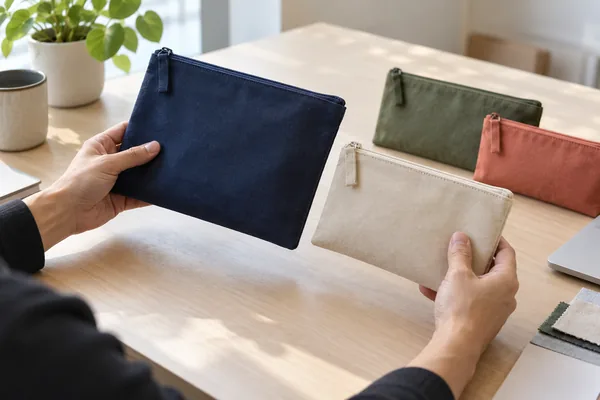
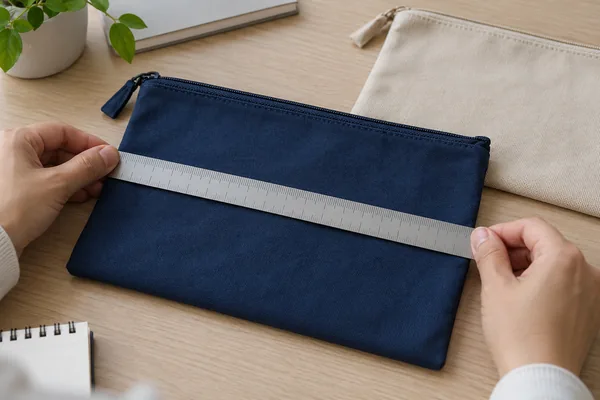
A translated color name may still leave the shade unclear. Tie an appearance-critical choice to an identified sample or agreed reference. Likewise, “large” is not a dimension. Record the measurements that matter and their units. For fitted products, clarify how the supplier measures the item rather than assuming its size label matches another seller’s.
Build a one-line-per-variant order sheet
Use a table that both the purchasing contact and the receiving team can understand. Separate the requested quantity from the quantity the seller actually confirms.
| Field | What to record |
|---|---|
| Supplier and listing | Seller reference, product URL and the date the options were recorded |
| Selected variant | Original option wording, English description and relevant dimensions, material or included parts |
| Supplier code | The seller’s item or variant code, if available; do not invent one |
| Buyer SKU | Your internal stock code for this exact variant |
| Quantity and unit | Requested and confirmed quantities, stated as pieces, pairs, sets, packs or another explicit unit |
| Commercial confirmation | Agreed line price, availability, packaging and dispatch timing |
| Exceptions | Unresolved points and whether any substitution has been approved |
A buyer SKU can be a simple internal code. It does not need to reproduce the seller’s naming system. What matters is a reliable mapping between the two, so that the person ordering and the person labeling stock identify the same item.
Make the purchasing unit explicit
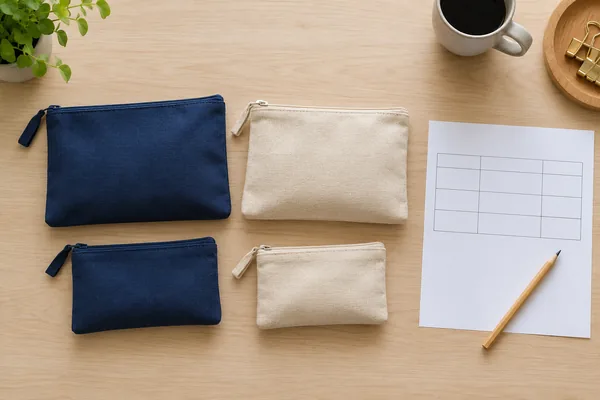
Write “30 packs of two pieces, 60 pieces total” when that is what you intend. A quantity of “30” alone leaves the unit unclear. For a set, list its contents. A two-piece set and two individual items may have different packaging and pricing. Confirm the conversion before calculating the order total.
Check the allocation, not only the grand total
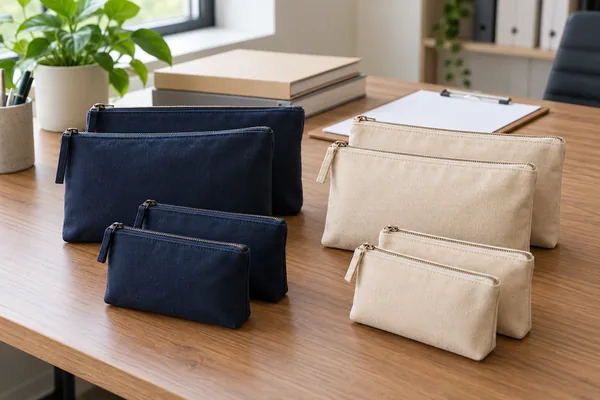
The following is a hypothetical planning example for unbranded zip pouches. It is not a Dawon1688 customer order or a supplier offer.
| Buyer SKU | Agreed variant description | Pieces: requested / confirmed |
|---|---|---|
| PCH-NV-S | Navy, small; dimensions recorded in the specification | 40 / 40 |
| PCH-NV-L | Navy, large; dimensions recorded in the specification | 30 / 20 |
| PCH-BG-S | Beige, small; dimensions recorded in the specification | 30 / 30 |
| Total | Three separately identified variants | 100 / 90 |
The ten-piece shortfall belongs to the navy-large line. Adding ten beige-small pouches would restore the total but change the order. The buyer should decide whether to accept fewer pieces, wait for stock, approve a replacement or remove the line. Record the decision and confirm the revised terms before placing or amending the order.
Choose the requested quantities from your own demand evidence and stock plan; the split above is only an example of how to record a shortfall.
Ask what “mixed” actually permits
“Mixed colors allowed” can leave the allocation unresolved. Ask whether you may specify each color and quantity, or whether the seller selects the mix. If the offer is for random colors, confirm whether that is acceptable for your business before ordering.
Also ask whether the seller accepts your combination at the quoted price and quantity. Do not assume that quantities from different colors, sizes or listings count together toward a minimum or price tier. The separate guide to lower custom-product MOQs explains those constraints; this order sheet records the combination the supplier has accepted.
Confirm substitutions and labels before payment
For an order where the mix matters, a useful instruction is: “Do not substitute a color, size, material or pack option without our written approval. Identify any unavailable line before proceeding.” Ask the seller to acknowledge that instruction rather than assuming silence means acceptance.
If you need buyer SKU labels, specify which code belongs on which product or pack and where the label should go. Supply an approved label file or a clear text specification. Confirm who applies it and whether that work is included. A correct label on the wrong variant is still a wrong item, so the checking scope should connect the code to the physical product.
Keep internal SKUs separate from retail barcodes
If your sales channel uses GS1 GTINs, follow the GS1 guidance on size-and-color variations: each product variation needs its own GTIN. This does not mean that every internal purchasing code must be a GS1 number. Verify the channel requirements before printing retail labels.
Close the order with a line-by-line confirmation
Send one dated version of the completed sheet. Ask the supplier to confirm every line or mark the exceptions. Resolve conflicting messages, update the sheet, and retain the accepted version with the order record.
Pass the same variant mapping and purchasing units to whoever will receive the goods. The receiving team will still need to perform the agreed checks. If a discrepancy is later found, use the separate missing or wrong items at a China warehouse guide rather than overwriting the original order to match what arrived.
What Dawon1688 can help coordinate
Dawon1688’s published service scope includes supplier communication, English-language support and labeling according to buyer requirements. Send Dawon1688 the product links and completed variant sheet, and ask which supplier confirmations, labels and checks can be included in your order. Confirm the scope and charges before work begins.
Before payment, check that the supplier’s confirmation matches the variant sheet, including any exceptions you accepted.
Frequently asked questions
1. Is a 1688 product link enough to identify what I want to buy?
No. A listing may contain several colors, sizes, materials or pack options. Record the selected option for each order line, keep the original Chinese wording where possible, and have the supplier confirm the corresponding product and quantity.
2. Should I keep the Chinese color and size names in my order sheet?
Yes. Keep them beside your English description and buyer SKU. This gives the supplier a reference to the option you selected. If a translation is unclear, resolve it using measurements, an identified photo or a sample rather than guessing.
3. Can I combine different colors or sizes to meet the minimum order?
Only if the supplier accepts that exact combination. Ask for written confirmation of the minimum, quantity split and price basis. Permission to mix variants does not necessarily mean every variant has the same price or is currently available.
4. What if the supplier offers random colors?
Decide whether random allocation fits your sales plan. If you need particular colors, request a fixed quantity for each one and ask whether the supplier can fulfill it. Do not treat a random-color offer as a promise to supply your preferred mix.
5. Can the supplier replace an unavailable size with another size?
For an exact-variant order, require your approval before a replacement is made. State that substitution rule before payment and have the supplier acknowledge it. If a line is unavailable, ask the supplier to identify it and propose an option, then confirm any revised quantity, specification, price and timing before proceeding.
6. Is the supplier SKU the same as my own inventory SKU?
Not necessarily. A supplier code belongs to the supplier’s records; your buyer SKU belongs to yours. Keep both in a mapping table where a supplier code is available. Include the supplier and listing reference so that an identical-looking code from another seller is not confused with it.
7. Does every color and size need a different barcode?
If you use GS1 GTINs for separately identified product variants, GS1 says each size-and-color combination needs its own GTIN. An internal SKU is not a GTIN. Check your sales channel’s identification requirements and the applicable GS1 rules before assigning or printing retail barcodes.
8. What should I send Dawon1688 for a mixed-variant order?
Send the supplier links, original option names, English descriptions, quantity and unit for each line, available supplier codes, your buyer SKUs, and any labeling or substitution instructions. Ask Dawon1688 to confirm the supplier-communication and checking scope before the order is placed.